
Faber उत्पाद पोर्टफोलियो

उत्पादन के लिए व्यावहारिक CAD/CAM
एक केंद्रित कार्यप्रवाह में DXF ड्रॉइंग और 2.5D CNC टूलपाथ तैयार करें।
आप क्या करना चाहेंगे?
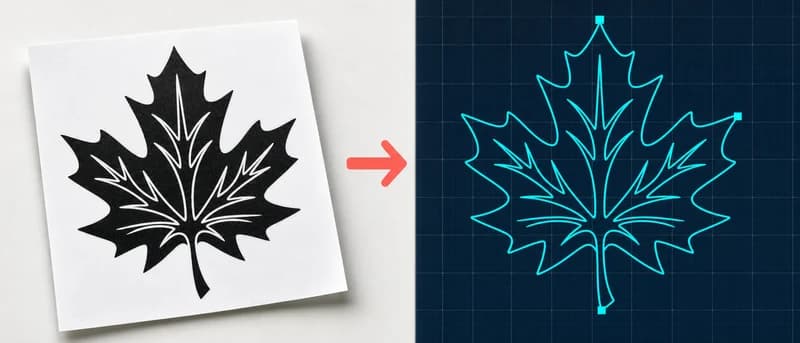
इमेज को DXF में बदलें
लोगो, स्केच या फ़ोटो को CAD और कटिंग मशीनों के लिए DXF ड्रॉइंग में बदलें।
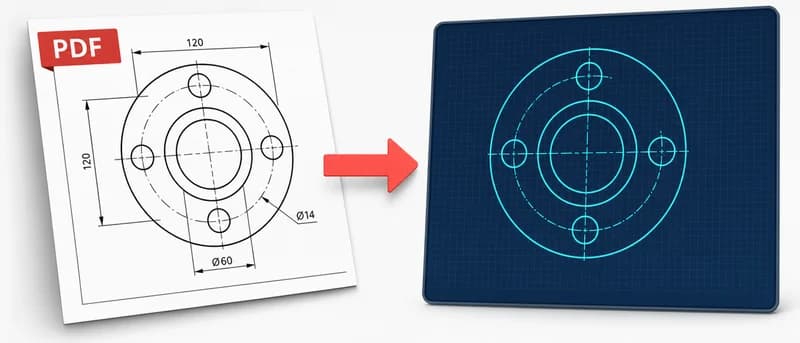
PDF से DXF
PDF की तकनीकी ड्रॉइंग को CAD या कटिंग के लिए DXF में बदलें।
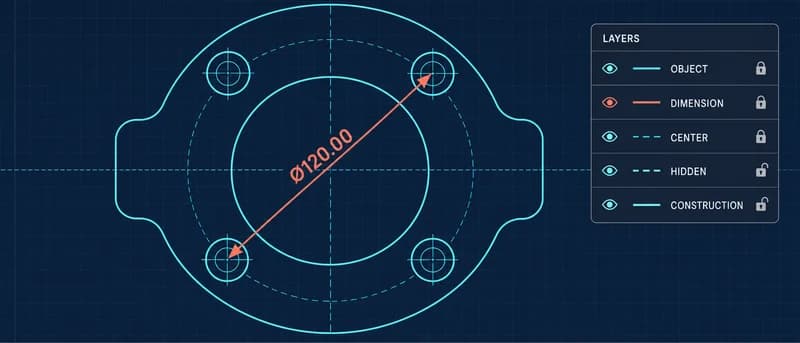
DXF व्यूअर और जाँचकर्ता
CAD सॉफ़्टवेयर के बिना ब्राउज़र में DXF ड्रॉइंग खोलें और लेयर, माप व चेतावनियाँ जाँचें।
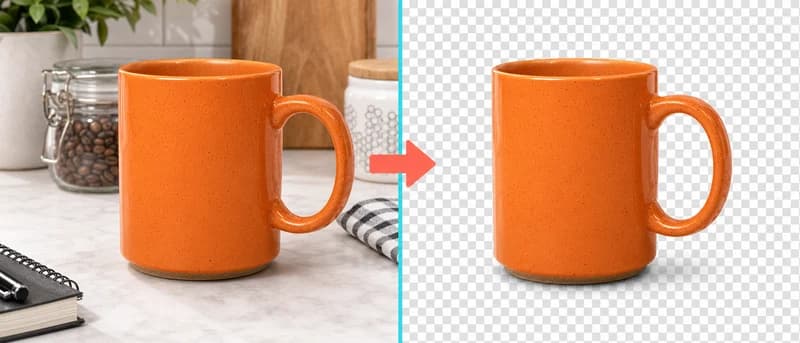
बैकग्राउंड हटाएँ
बिना अपलोड किए इमेज का बैकग्राउंड साफ़ करें।
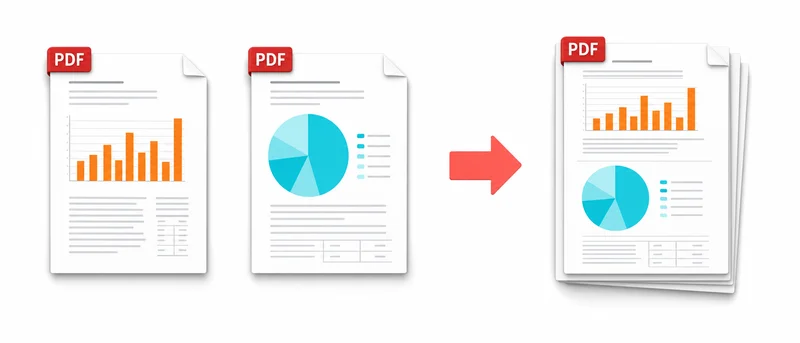
PDF मर्ज करें
PDF को मनचाहे क्रम में लगाएँ और एक फ़ाइल के रूप में डाउनलोड करें।
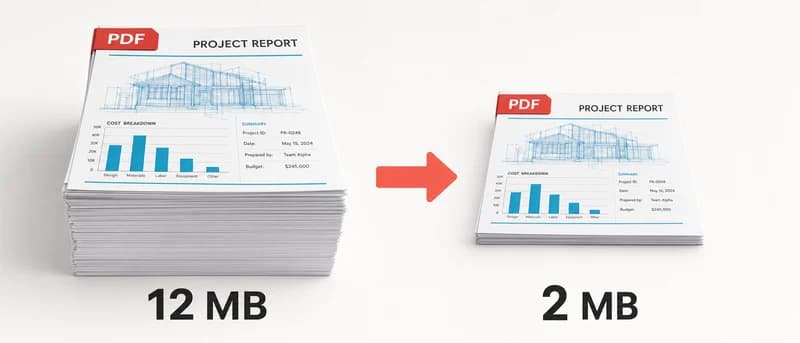
PDF संपीड़ित करें
साझा करने या सहेजने के लिए PDF फ़ाइल का आकार घटाएँ।
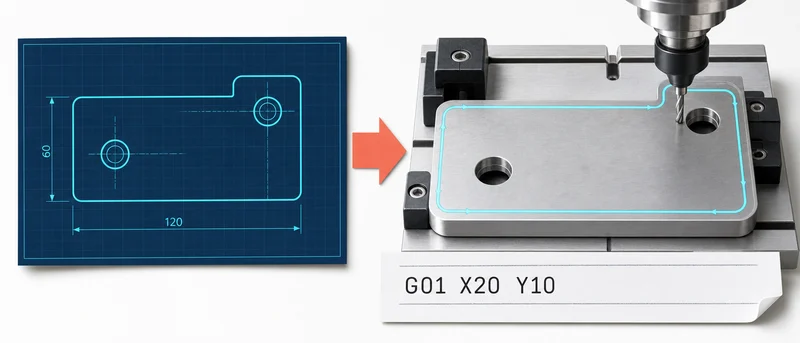
DXF से G-code
DXF ड्रॉइंग को CNC मशीन के लिए G-code निर्देशों में बदलें।
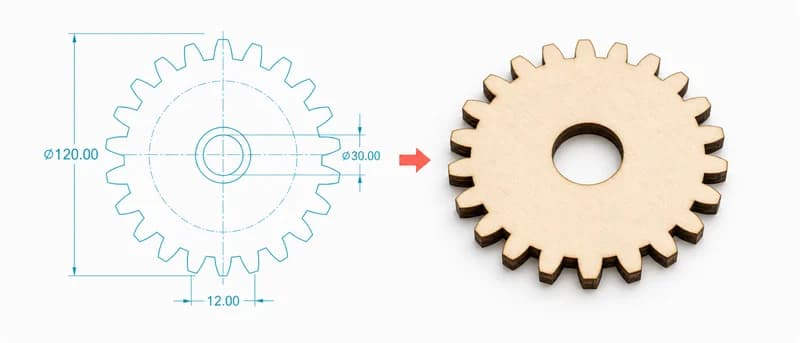
गियर जनरेटर
पैरामीटर से गियर बनाएँ और उसकी रूपरेखा DXF में एक्सपोर्ट करें।
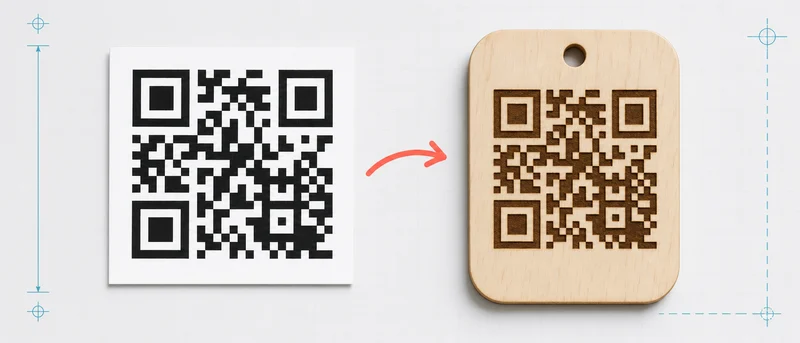
QR कोड से DXF
QR कोड बनाएँ और उसे DXF वेक्टर ज्यामिति के रूप में डाउनलोड करें।
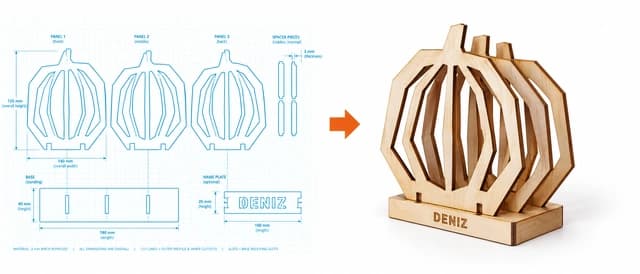
3D हैलोवीन आकृतियाँ
काटने, मोड़ने और जोड़ने के लिए हैलोवीन आकृतियाँ डिज़ाइन करें।
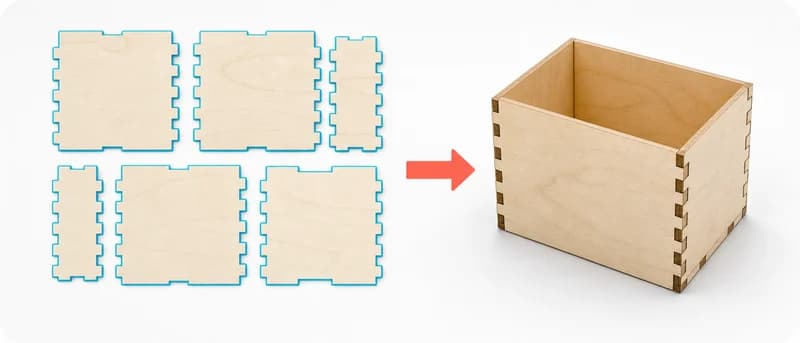
बॉक्स जनरेटर
मनचाहे आकार का बॉक्स डिज़ाइन करें और कटिंग पैनल डाउनलोड करें।
ड्रोन फ्रेम और माउंट जनरेटर
ड्रोन फ्रेम, आर्म और माउंट के लिए टेम्पलेट बनाएँ।
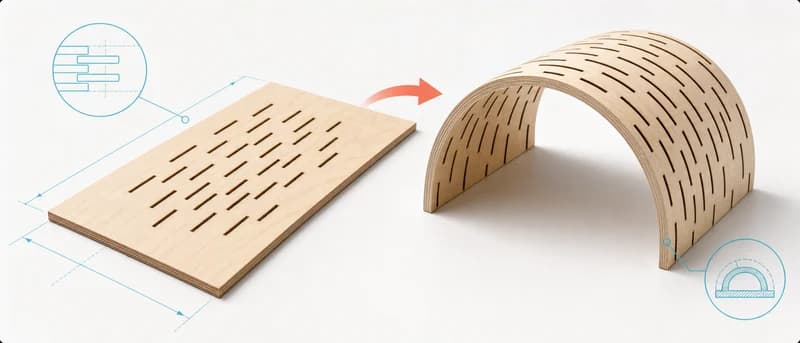
लचीला हिंज जनरेटर
लेज़र कटिंग के लिए लचीले हिंज के पैटर्न बनाएँ।
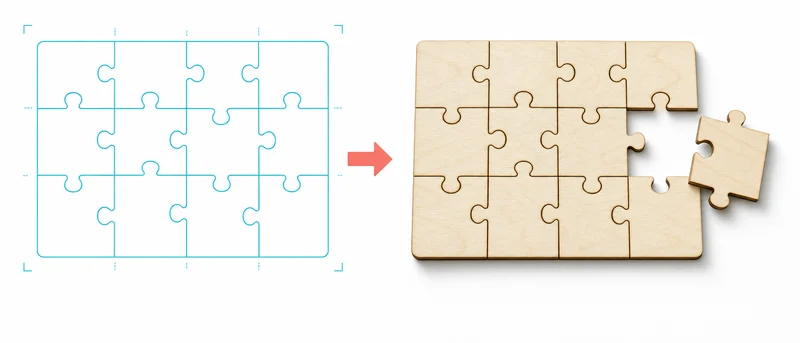
जिगसॉ पहेली जनरेटर
तस्वीर को काटने योग्य जिगसॉ पहेली टेम्पलेट में बदलें।
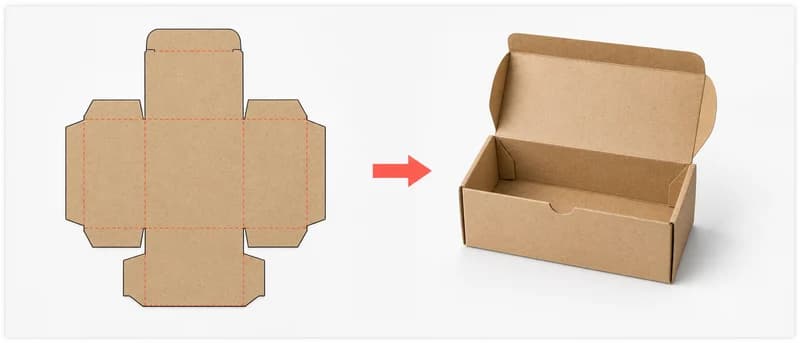
कार्डबोर्ड बॉक्स टेम्पलेट
काटने और मोड़ने के लिए कार्डबोर्ड बॉक्स का टेम्पलेट बनाएँ।
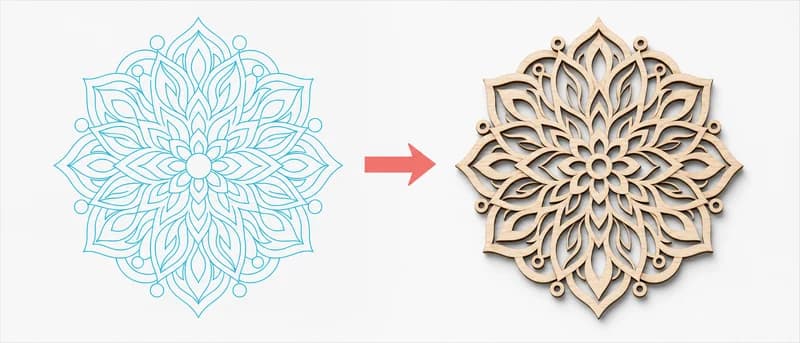
मंडला जनरेटर
सममित मंडला पैटर्न डिज़ाइन करें और कटिंग के लिए तैयार करें।
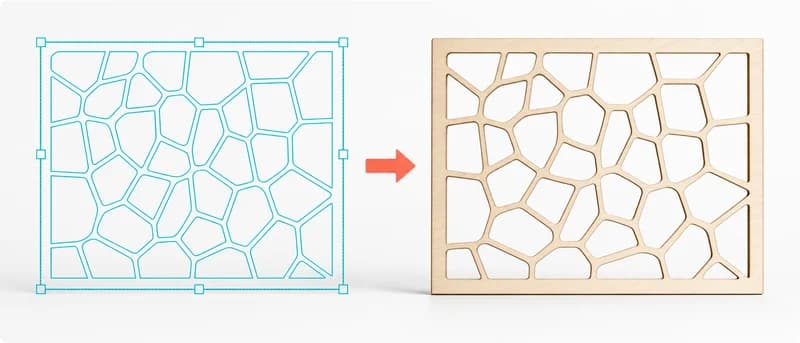
वोरोनोई पैटर्न जनरेटर
कटिंग और निर्माण के लिए अपने मनचाहे वोरोनोई पैटर्न बनाएँ।
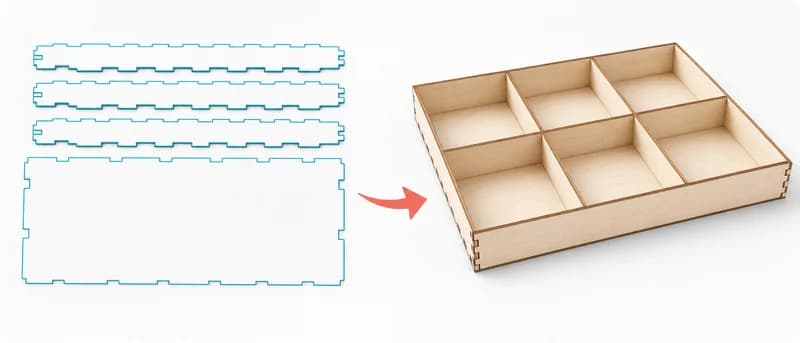
मॉड्यूलर ऑर्गनाइज़र जनरेटर
ग्रिड में फिट होने वाली मॉड्यूलर ट्रे और डिवाइडर डिज़ाइन करें।
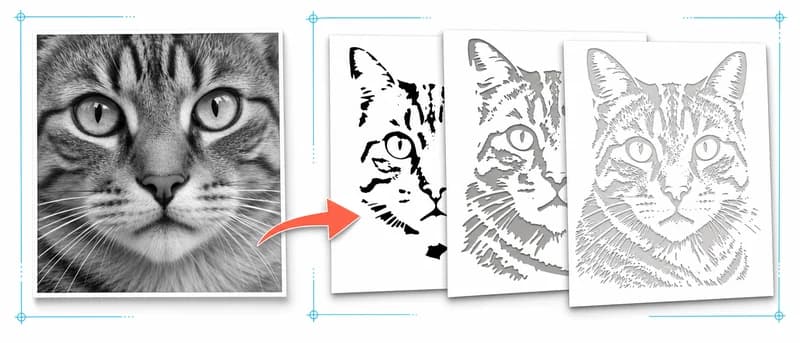
फ़ोटो स्टेंसिल जनरेटर
फ़ोटो को काटने योग्य कई स्टेंसिल परतों में बदलें।
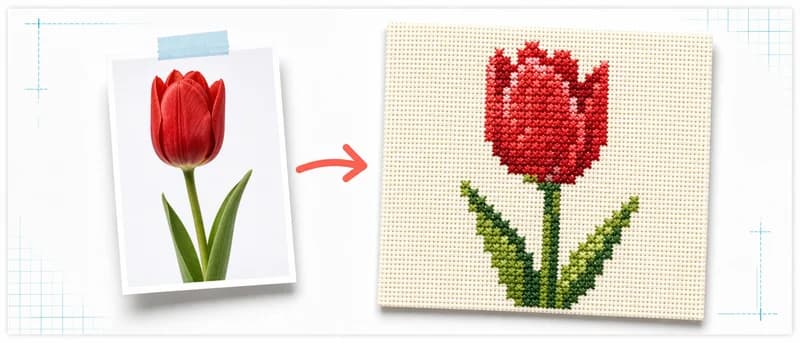
क्रॉस-स्टिच पैटर्न जनरेटर
फ़ोटो को प्रिंट करने योग्य क्रॉस-स्टिच पैटर्न में बदलें।
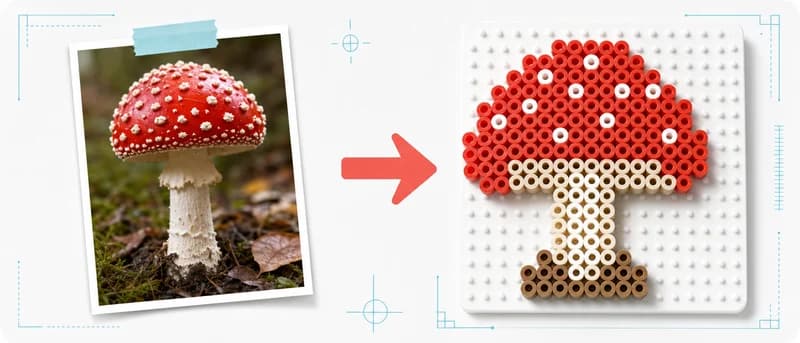
Perler/Hama बीड पैटर्न जनरेटर
तस्वीर को पेगबोर्ड के लिए बीड पैटर्न में बदलें।
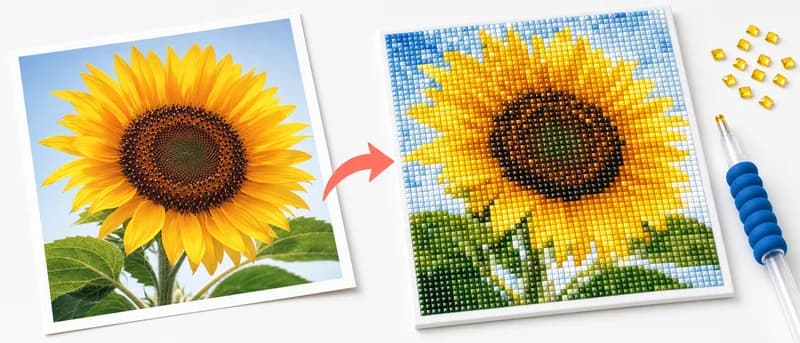
डायमंड पेंटिंग पैटर्न जनरेटर
तस्वीर को रंगों वाले डायमंड पेंटिंग पैटर्न में बदलें।
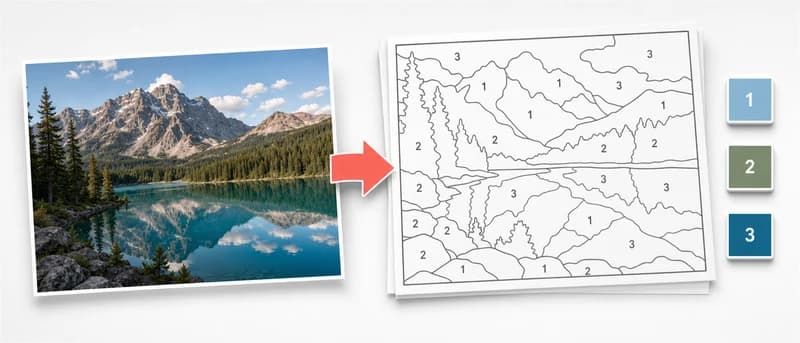
नंबर से पेंटिंग जनरेटर
फ़ोटो को नंबर वाले पेंटिंग टेम्पलेट में बदलें।
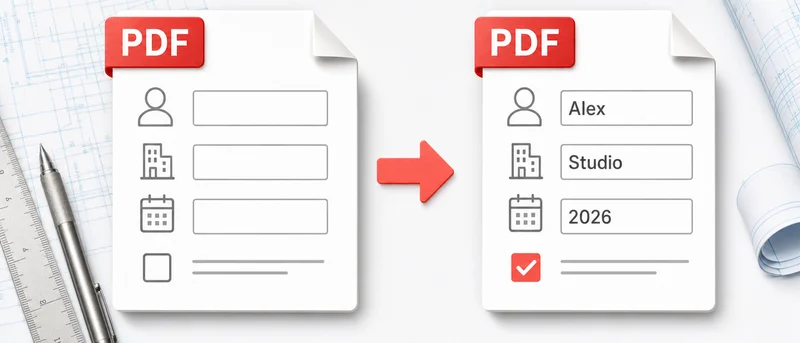
PDF फ़ॉर्म भरें
PDF फ़ील्ड भरें और पूरा किया हुआ फ़ॉर्म डाउनलोड करें।
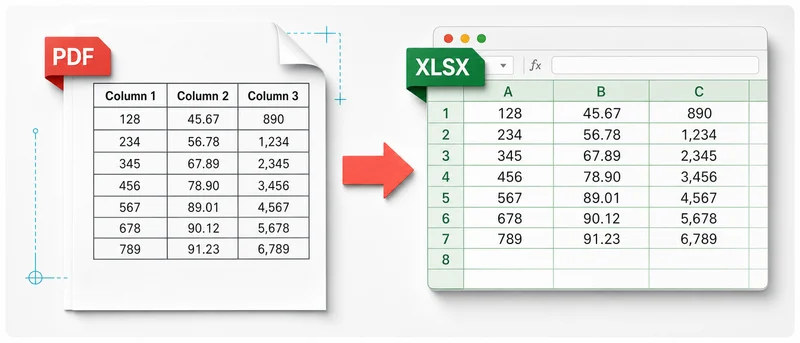
PDF से Excel
PDF के टेक्स्ट को Excel स्प्रेडशीट में बदलें।
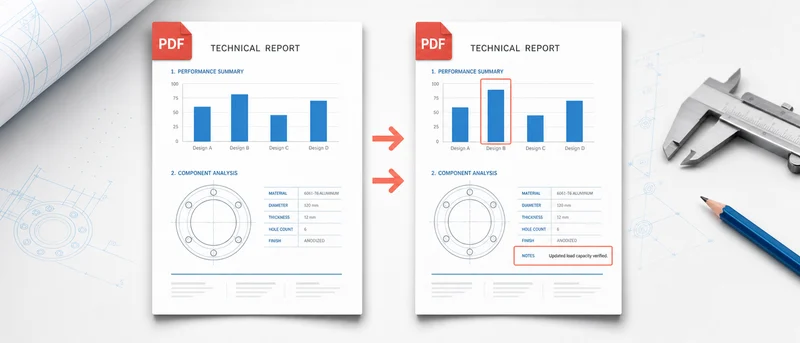
PDF की तुलना करें
दो PDF की तुलना करें और दिखने वाले अंतर हाइलाइट करें।
PDF से JPG
PDF पेजों को JPG या PNG इमेज में बदलें।
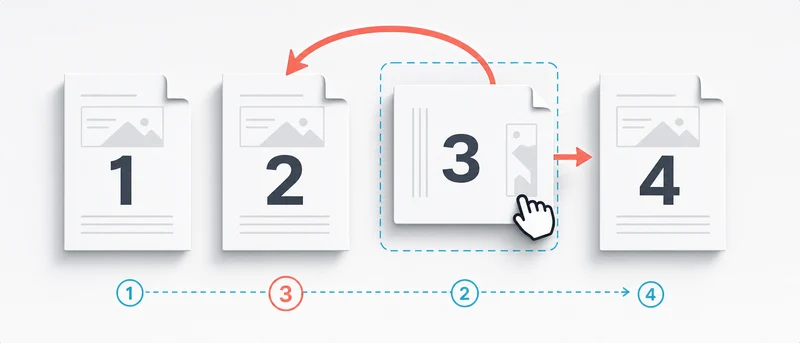
PDF व्यवस्थित करें
पेज क्रम बदलें, घुमाएँ या हटाएँ और PDF डाउनलोड करें।
PDF से Word
PDF टेक्स्ट निकालें और Word दस्तावेज़ में एक्सपोर्ट करें।
PDF पर हस्ताक्षर करें
PDF में हस्ताक्षर और टेक्स्ट जोड़ें, फिर हस्ताक्षरित फ़ाइल डाउनलोड करें।
PDF विभाजित करें
पेज या पेज-सीमा चुनें और नई PDF सहेजें।
PDF में वॉटरमार्क जोड़ें
PDF के हर पेज पर टेक्स्ट, लोगो या पैटर्न वॉटरमार्क जोड़ें।
Excel से PDF
Excel शीट को आसानी से साझा किए जा सकने वाले PDF में बदलें।
Word से PDF
Word दस्तावेज़ को उसका लेआउट बनाए रखते हुए PDF में बदलें।
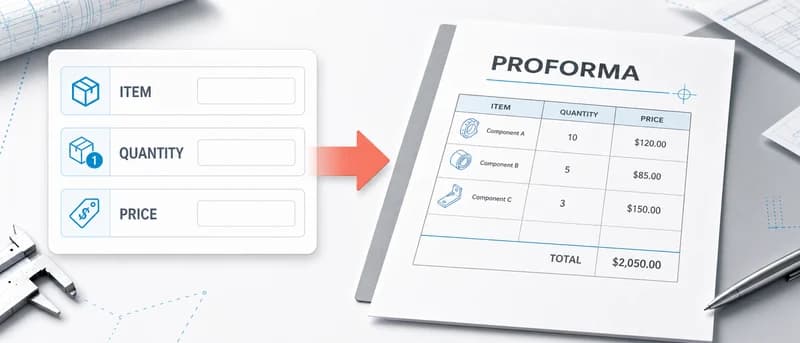
प्रोफ़ॉर्मा इनवॉइस जनरेटर
संपादन योग्य प्रोफ़ॉर्मा इनवॉइस बनाएँ और PDF या Excel में एक्सपोर्ट करें।
इमेज कन्वर्टर
सामान्य इमेज फ़ॉर्मैट को ब्राउज़र में बदलें।
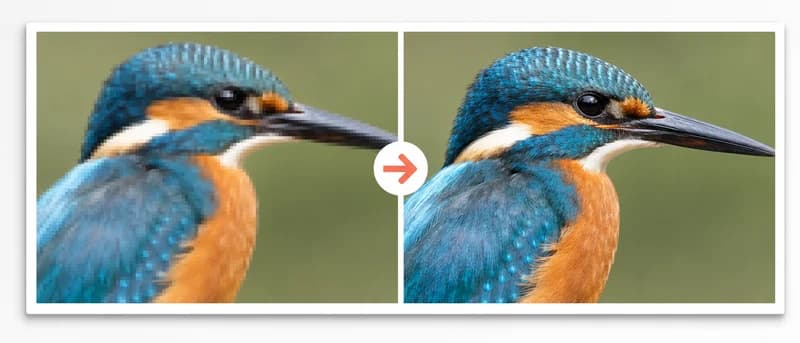
इमेज गुणवत्ता सुधारक
AI से धुंधली या कम रिज़ॉल्यूशन वाली इमेज को बड़ा और स्पष्ट करें।
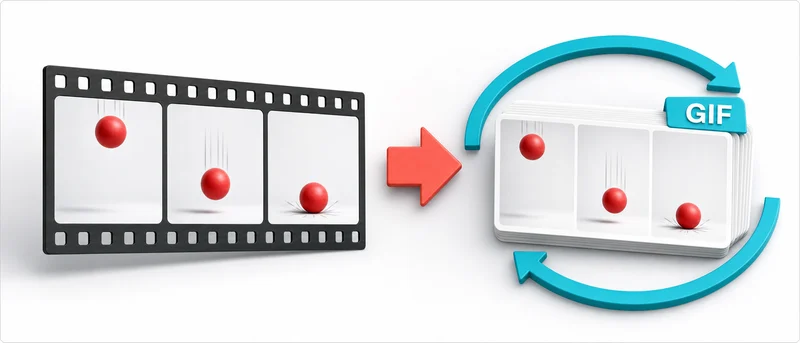
वीडियो से GIF
वीडियो ट्रिम करें, आकार और गति सेट करें तथा GIF डाउनलोड करें।
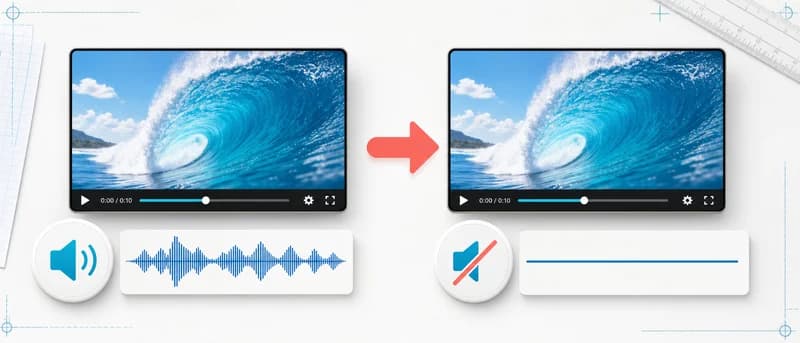
वीडियो से ऑडियो हटाएँ
गुणवत्ता घटाए बिना आवाज़ हटाएँ और म्यूट की गई कॉपी डाउनलोड करें।
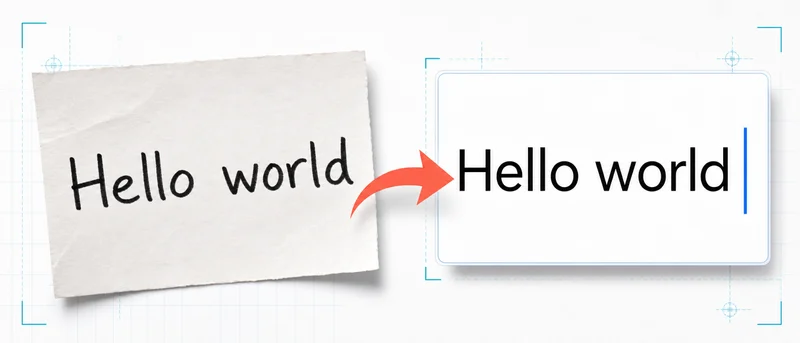
इमेज से टेक्स्ट (OCR)
फ़ोटो, स्कैन और PDF को संपादन योग्य टेक्स्ट में बदलें।
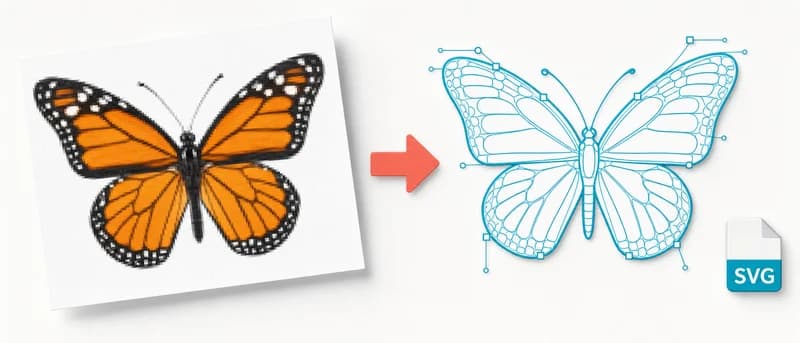
इमेज से SVG
लोगो या ड्रॉइंग को किसी भी आकार पर साफ़ रहने वाले SVG वेक्टर में बदलें।
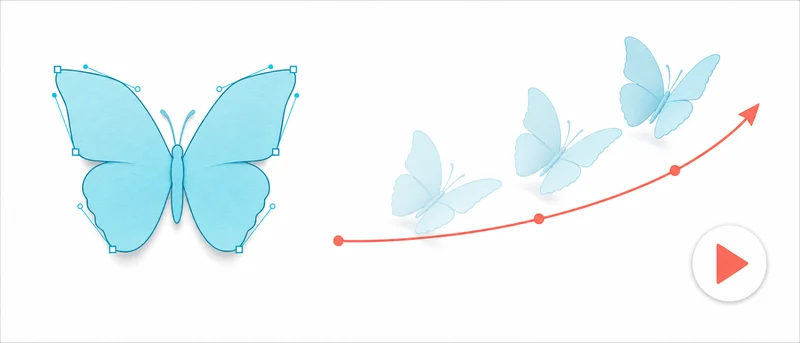
SVG एनिमेशन
SVG में तैयार मोशन इफ़ेक्ट जोड़ें और वेब के लिए तैयार कोड डाउनलोड करें।
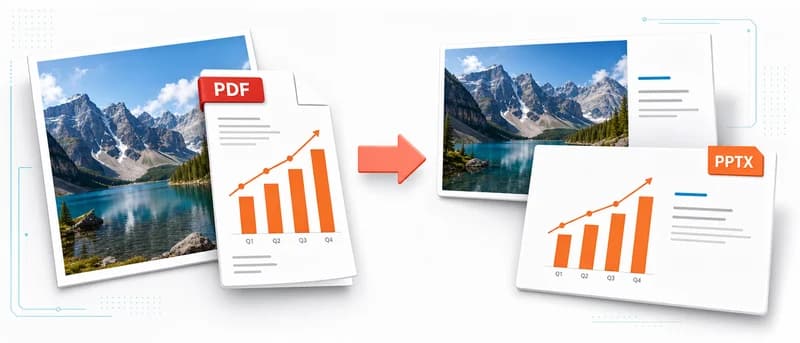
इमेज/PDF से PowerPoint
इमेज या PDF पेजों को PowerPoint प्रस्तुति में बदलें।
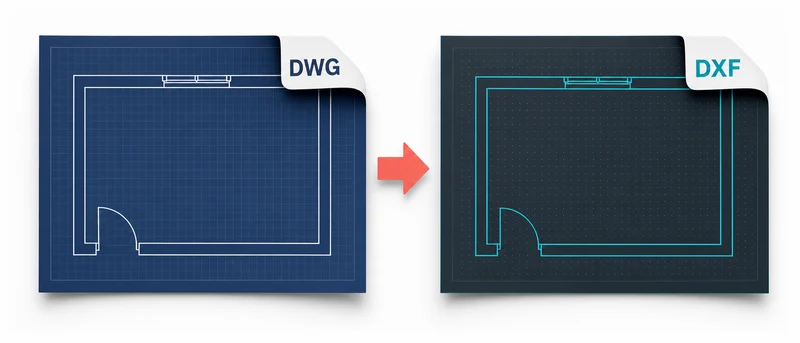
DWG से DXF कन्वर्टर
DWG ड्रॉइंग को CAD में खोलने और संपादित करने के लिए DXF में बदलें।
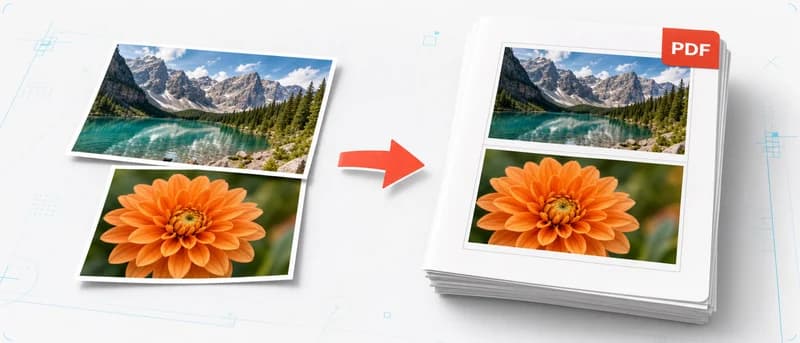
इमेज से PDF
इमेज को ब्राउज़र में PDF में बदलें।
Gerber to DXF / Solder Paste Stencil
Upload a Gerber ZIP and download a laser-ready SMD paste stencil as DXF or SVG.
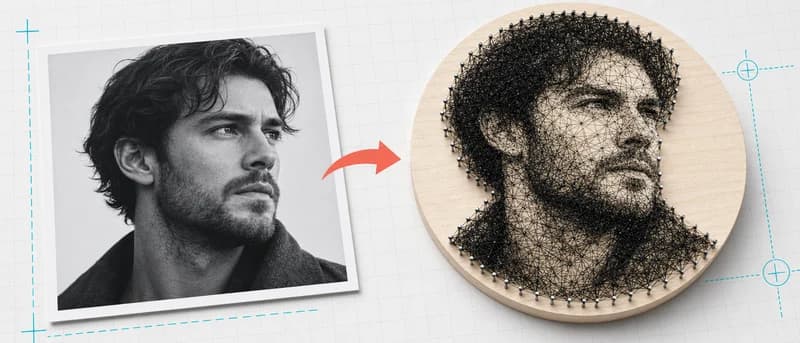
धागा-कला पोर्ट्रेट जनरेटर
पोर्ट्रेट से धागा-कला बनाने के लिए नंबर वाला पैटर्न बनाएँ।
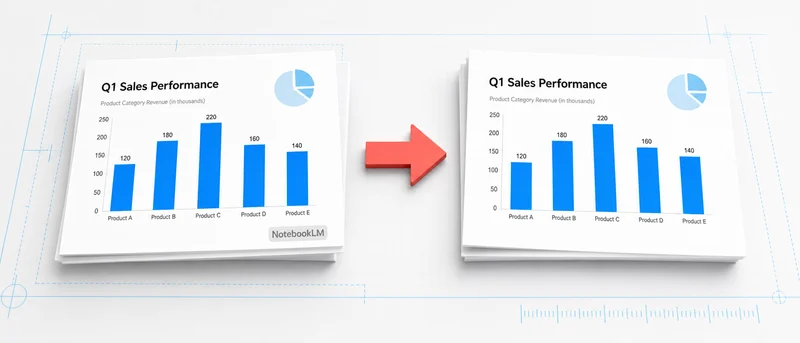
NotebookLM वॉटरमार्क हटाएँ
बिना अपलोड किए स्थानीय वीडियो से NotebookLM वॉटरमार्क साफ़ करें।
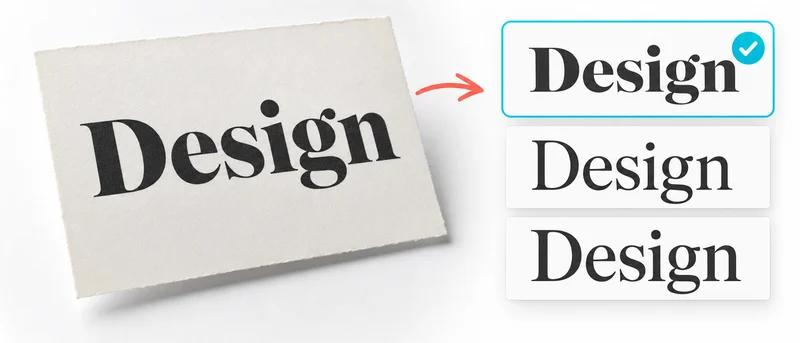
फ़ॉन्ट खोजक
इमेज में उपयोग हुआ फ़ॉन्ट और उससे मिलते-जुलते मुफ़्त विकल्प खोजें।
2D to 3D STL Generator
Turn 2D images into 3D STL