
iLoveDXF

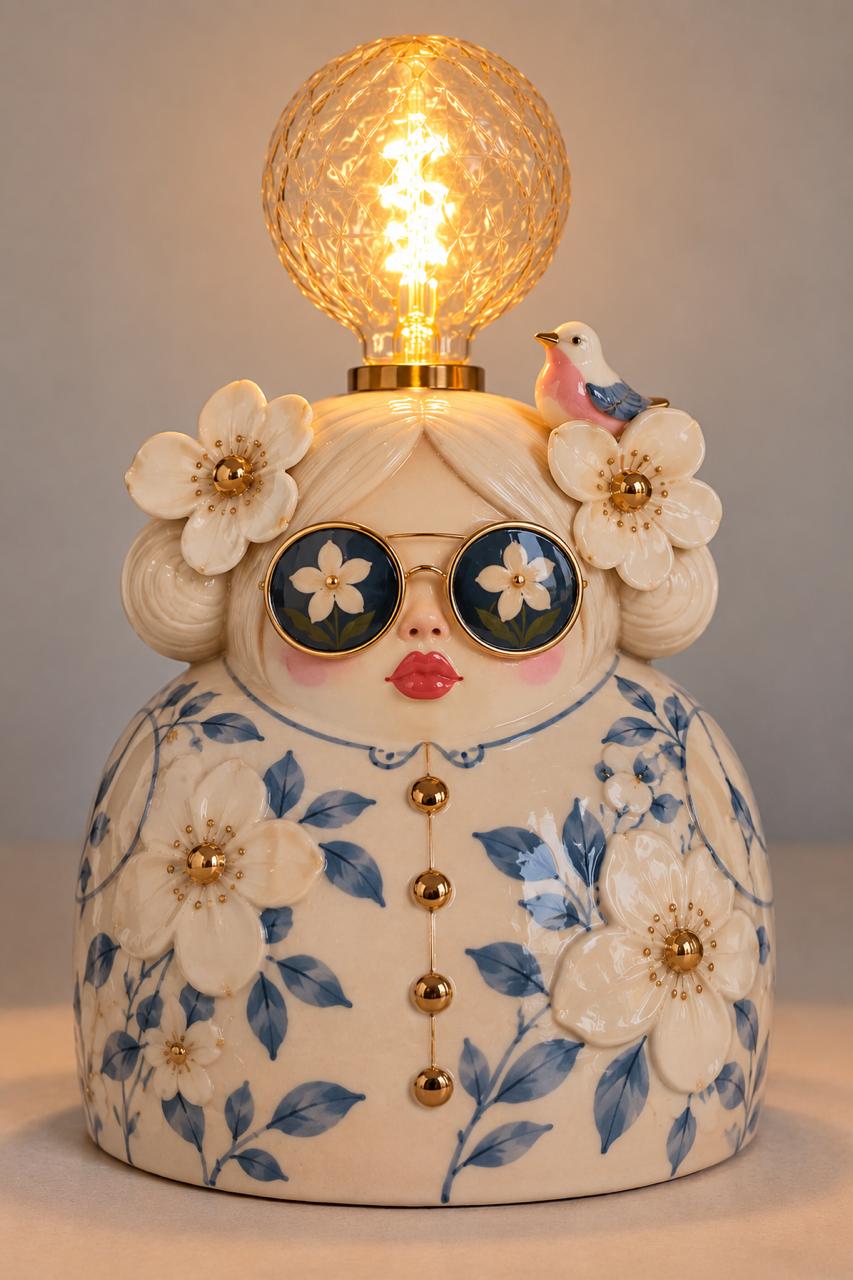
Lamp Lady / 2D Image to 360° 3D Model Studio

360° AI 3D

Print H: Single-volume watertight 3D print geometry (STL) • Color G: Photo-textured preview (GLB) • Assembly L: FDM E14 lamp

Reference 2D Image
Referans fotoğraf
Dosya: Lamp-Lady-Referans.jpgMotor: Hunyuan3D-2 + TRELLIS
Print Height:
mm
Free 360° AI Engine Active

Generates true 360° 3D models for free via Hugging Face (Hunyuan3D-2 & TRELLIS) without requiring an API key.

3B Model Yükleniyor…
Açı:
|Sol tık: 360° döndür • Tekerlek: yakınlaştır • Sağ tık: kaydır
Print H is clean untextured geometry; Color G includes photo texture projection (Cura, Bambu Studio & PrusaSlicer ready).

How it helps

AI 3D Mesh Generation (TRELLIS) for complete 3D object reconstruction from single images.
Backlit Lithophane Engine: Turn portraits and memories into 3D printed photo lamps that glow with realistic tonal gradients.
2.5D Relief & Keychain Maker: Extrude logos, stamps, and artwork with customizable baseplate thickness and border frames.
100% Watertight Manifold STL: Closed solid geometry ready for slicing in Bambu Studio, Cura, PrusaSlicer, and OrcaSlicer.
Interactive 3D WebGL Viewport: Orbit, pan, zoom, switch between Solid Filament, Backlit Lamp, and Wireframe modes.
Real-world dimensions in millimeters (width, height, thickness) with direct binary STL download.

Best practices

  • - For Lithophanes: Slice with 100% infill (rectilinear) to eliminate internal infill shadows and achieve smooth grayscale lighting.
  • - Print Orientation: Printing lithophanes vertically on the printer bed delivers superior resolution along the fine Z-axis layer steps.
  • - Layer Height: Use 0.12mm or 0.16mm layer height on FDM 3D printers, or 0.05mm on SLA / MSLA resin printers.
  • - High Contrast Images: For both lithophanes and reliefs, input images with clear contrast between foreground and background yield the sharpest 3D relief details.

Limitations

  • - AI 3D generation works best on clear single-subject images with unobstructed silhouettes.
  • - Lithophane mode produces flat rectangular or framed panels; curved cylindrical lampshades will be supported in upcoming waves.
  • - Color textures are previewed on screen; the exported STL is pure geometric binary mesh for standard single/multi-material 3D printers.

FAQ

What is an STL file?

STL (Standard Tessellation Language) is the universal file format for 3D printing. Slicer software like Bambu Studio, Cura, and PrusaSlicer convert STL files into G-code toolpaths for your 3D printer.

How does 2D image to STL conversion work?

We support three methods: (1) AI 3D reconstruction (TRELLIS) which infers full 3D geometry from a 2D image, (2) Lithophane mapping which converts pixel luminance into physical thickness, and (3) 2.5D relief extrusion which raises artwork contours onto a flat baseplate.

Is the output STL watertight and manifold?

Yes! Every STL generated is verified to be watertight (manifold) with consistent outward normals, closed bottom baseplate, and stitched vertical sidewalls, guaranteeing zero slicing repair errors.

Which 3D printers are supported?

All standard 3D printers are supported, including Bambu Lab (X1C, P1S, A1, A1 mini), Creality (Ender, K1), Prusa (MK3, MK4, XL), Anycubic, Elegoo, and Voron printers.

How many credits does an STL export use?

Each 3D STL export uses 1 credit. Generating live 3D previews and adjusting parameters is completely free in your browser.